
What Should You Actually Photograph for Your Business?
The photos your business needs depend on what a customer still needs to understand before they buy. Start with that missing information, then choose the image that can show it.
I start with use before poses. A photo can be beautiful and still leave the reader with the same question. I want the plan to name what the image needs to explain and where the customer will see it.
The broader personal brand photography guide covers planning the full gallery. This is the step before the shot list: deciding which visual answers are missing.
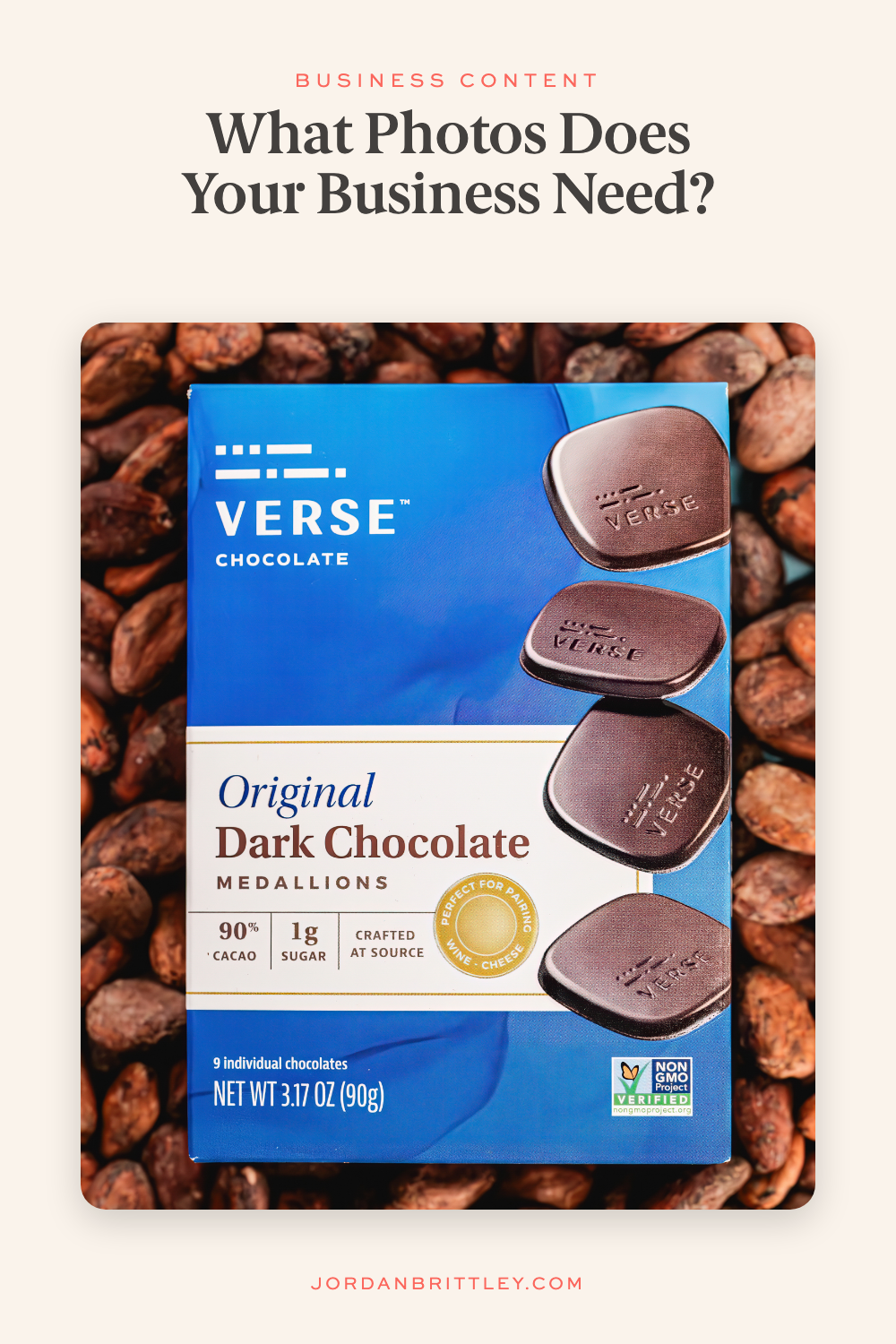
If buyers cannot tell what is included, show the whole offer
For a physical product, show what arrives with an order. A clear view of the item and its included parts can answer a different question from a styled photo of one detail.
Check the image against the current offer. If an item is sold on its own, props should not make it look like those extras come with it. If a buyer can choose among versions, show the differences they need to compare.
For a service, a photo may help show part of the visit or the finished work. It cannot replace the written scope. Keep the included services, limits, and terms clear beside the image.
The test is direct: after seeing the photo and reading the nearby copy, can a customer tell what they are considering?
If size or detail is unclear, plan a closer answer
A wide product photo can leave small details hard to see. Choose a close view when the material, finish, fastening, or edge matters to the purchase.
If size is the question, plan a scale reference. The right reference depends on the item. A product held in a hand can help with one object and give a poor sense of scale for another. Keep the written measurements too.
I would check the result on the page where it will live. A useful detail can disappear when the image becomes a small phone-screen tile. That changes how close the frame needs to be.
If the process feels unknown, show the next step
For a service business, a customer may want to know what will happen when they arrive. Choose a photo of a real, relevant step: the space they enter, the place they sit, or the tools used in the work.
For a maker, the question may be how the item is made. Show the part of the process that helps explain the result. Keep the image close enough that the reader can see the action.
Google's business-specific photo advice includes photos of work and interiors, along with people and products. It also asks businesses to show an honest view of the space. That is a useful check when you choose what to include in the frame.
If people need to know who they will meet, show the right person
A founder portrait helps a buyer recognize the person behind the business. A team member's photo may be more useful on a page about the service that person provides.
Match the person to the page and the role. Then choose an expression, setting, and crop that fit how the customer will use the image. These creative headshot examples explain that part of the choice.
You may also need a photo of the person doing the work. The portrait helps with recognition. The working image can show context that a face alone does not provide.
If finding the place is the problem, show the approach
A local business can use photos to help a first-time visitor recognize the entrance. Check which direction customers approach from and what sign they will see.
An interior image can help explain the layout. If a customer asks about a specific access need, answer it with accurate details. Do not assume a photo proves that the space will meet every person's needs.
An online-only business has a different job. It may need to show packing, delivery contents, or how the product is used. Choose the question that belongs to your business.
Put each answer where the question comes up
A detailed product view belongs close to the product information. A working image may fit a service page. A founder portrait may support an About page, a speaker bio, or a profile.
This is where the photo plan meets the content strategy for your business. The placement helps you decide the shape, crop, and room for text before the shoot.
Google recommends descriptive alt text and relevant nearby copy for web images. Describe what is in the photo. Keep important information in readable page text as well.
Choose the question to answer first
Look at a recent customer question and the page that customer would visit. Check whether your current photos answer it. Save the question, the missing image, and the place the image will go.
That gives a photographer a clear business reason for the frame. It also helps you explain why a new image matters before you spend time planning clothes, props, and locations.
If you want to plan photo, video, or content work with me, bring that question into the conversation. We can build from what your customer needs to see.
